SMS automation software
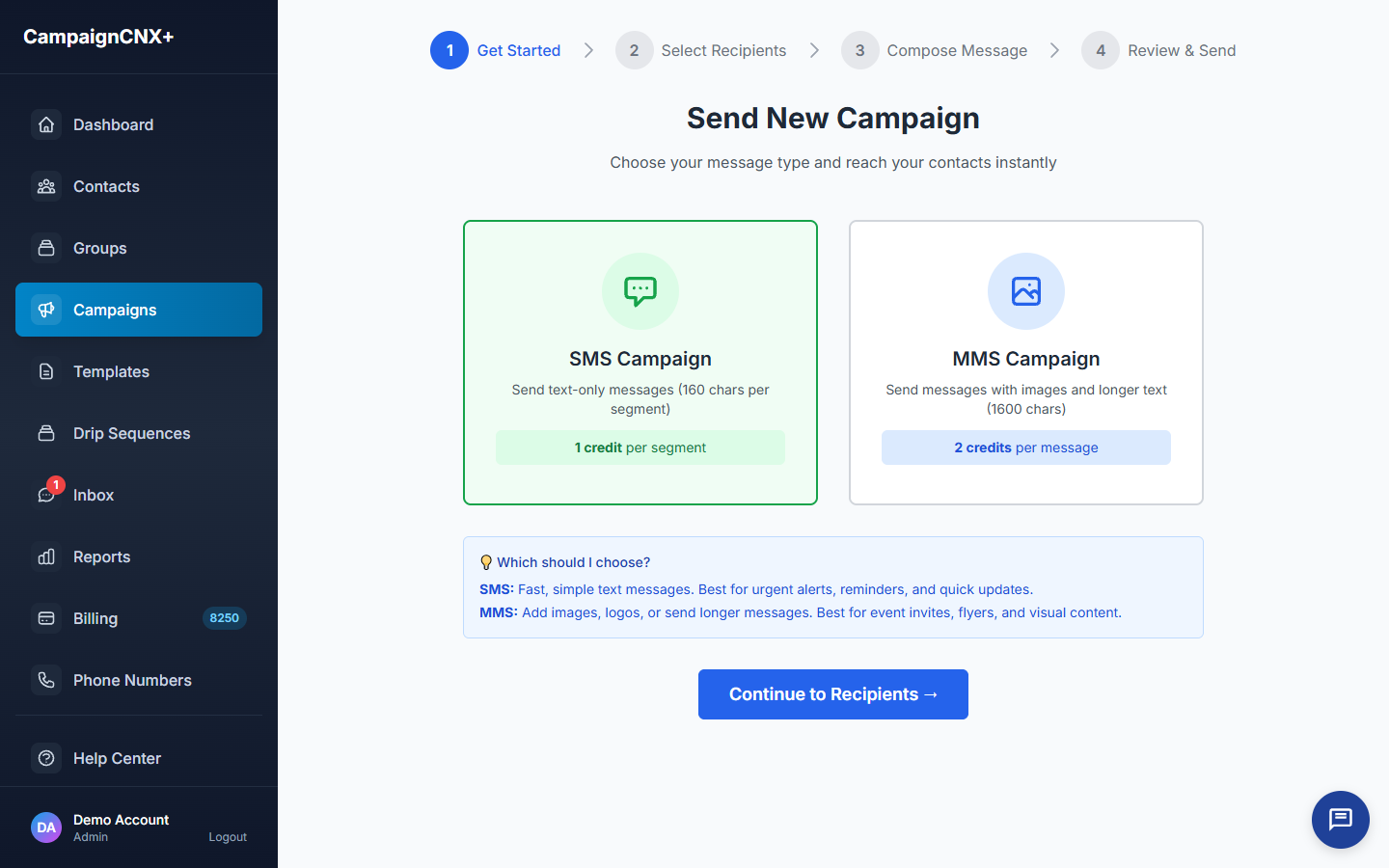
This is the text message automation most senders actually use. You can schedule tomorrow's message tonight, set the keyword "HOURS" to reply automatically with your business hours, and let the platform hold each message until the recipient's local quiet-hours window opens. There is no flowchart of decision rules to draw or maintain.

01: Scheduled campaigns
Build the message today, pick a date and time, and the platform sends it on schedule. Delivery follows each recipient's time zone, so a 10 a.m. send does not arrive at 7 a.m. for someone three zones west.
02: Keywords and auto-response
Set up keywords such as HOURS, INFO, VOTE, DONATE, or RSVP. When a contact texts one of them, the platform sends the reply you wrote and can also tag the contact or add them to a list. Keyword auto-response is a $20/mo add-on.
03: Always-on automation
We honor STOP, HELP, and UNSUBSCRIBE across the whole platform, enforce quiet-hours windows in each recipient's time zone, and remove opt-outs when each message sends. These protections are always on, so there is nothing for you to turn on.

How SMS automation runs
These are the four kinds of automation most senders need, and none of them requires learning a flowchart tool first.
Build a message now and schedule it days or weeks ahead. You can cancel it any time before it sends.
Choose a word and the reply it triggers. You can also tag the sender or add them to a list.
We honor STOP, UNSUBSCRIBE and the other opt-out words immediately, send a confirmation, and remove the contact from future campaigns. A HELP reply gets an automatic message with your business name, how to reach you and how to stop.
We automatically hold each message until the recipient's local sending window opens, so there is nothing you have to remember.
SMS automation use cases
SMS automation FAQ
Scheduled campaigns and quiet-hours enforcement are included on every plan, including pay-as-you-go. Keyword auto-response is a $20/mo add-on. Opt-out handling is always on and cannot be turned off.
We hold the affected recipients until their local window opens, then deliver to them. The rest of the list goes out on schedule, so no one gets a text at 3 a.m.
Yes, up until the moment it sends. You can edit the message, change the recipients or the time, or cancel it entirely.
The keyword add-on includes unlimited keywords. Common ones are HOURS, INFO, VOTE, DONATE, RSVP, and JOIN, and matching is case-insensitive. The number of keywords you can define is unlimited; each auto-reply the platform actually sends costs one SMS credit per segment, the same as any outbound message.
Keyword auto-response handles replies to specific trigger words. For open-ended conversations on your website, Alma (the website chatbot in the CNX Suite) is a separate product that is already available.
In practice, SMS automation means three things: (1) scheduled campaigns, queueing a message to send at a future time, optionally repeating, (2) keyword auto-responses, replying automatically when someone texts a trigger word (HOURS, JOIN, INFO), and (3) quiet-hour enforcement, holding sends until each recipient's local 8 a.m. to 9 p.m. window. CampaignCNX+ handles all three. It does not include flowchart-style "if-this-then-that" drip builders; in practice, most senders stop using them.
Yes, through the keyword add-on. Set up triggers like HOURS, INFO, JOIN, DONATE, VOLUNTEER, and the platform sends the reply you set up as soon as a contact texts the keyword. Matching is case-insensitive. Messages that don't match a keyword go to the two-way inbox for a person to answer.
We don't offer a dedicated drip builder (a tool for automated message sequences). Instead, you can schedule a sequence of campaigns to a tagged audience at the dates you actually want them to land (a welcome message on day 0, a check-in on day 7, a re-engagement on day 30) without drawing a flowchart. For most programs, this is faster to set up and easier to review than a flowchart tool. For AI-assisted follow-up that adapts to each person, Alma in the CNX Suite is the right tool.
The platform automates opt-outs, quiet hours, keyword replies, scheduled sends, working out each recipient's time zone, and pacing sends to meet carrier rules. It doesn't automate (and shouldn't) the actual message wording, the choice of audience, the decision about when to send, or the response to anything unclear in the two-way inbox. Those decisions stay with you.
Start sending
Start with a toll-free number. Purchase a verified phone number, schedule your first SMS batch, and set up a keyword auto-reply. All of it goes live once the phone carriers verify your number, usually in about three business days. For larger automated programs, 10DLC carrier registration (for a registered local number) is the recommended long-term path. We submit it at the same time, and you can send from your toll-free number while the carriers review it.